Planet Zoo 2 Aquarium Build Guide — How to Build an Aquarium
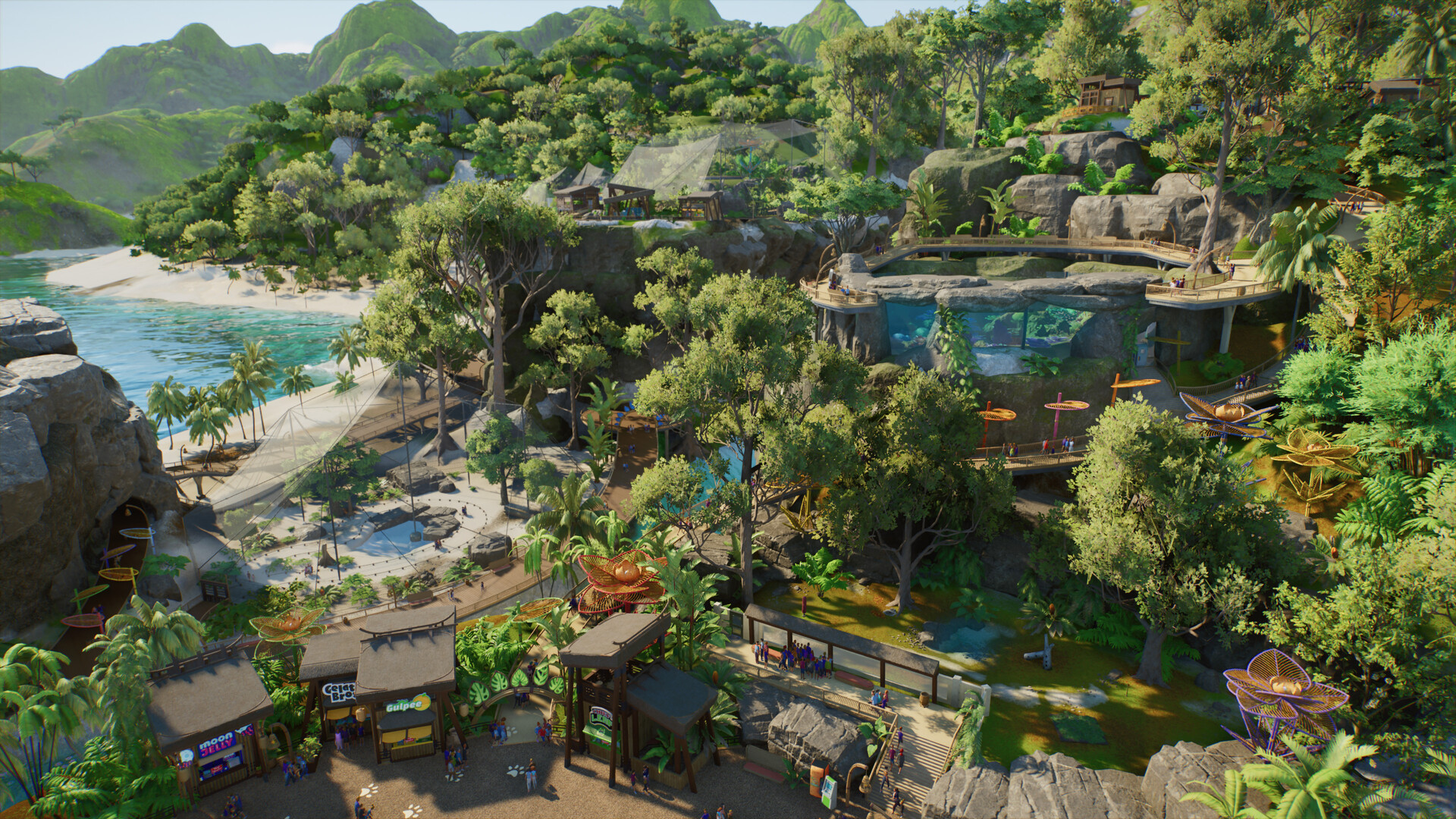
Aquarium Build Guide
Quick answer: In Planet Zoo 2 an aquarium is a fully customisable habitat — not a placeable tank. You build it with the normal piece-by-piece habitat tools, set it to freshwater or saltwater, add a filtration system for water quality, and give staff an airlock to enter through. Exact build specifications are not published in a shared Frontier list.
What's confirmed about building aquariums
Aquariums are the series' first fully aquatic habitats, and Frontier has confirmed these building blocks:
- Fully customisable habitat — built piece-by-piece with the same habitat tools as land enclosures
- Freshwater and saltwater — two separate water types, each with its own requirements
- Filtration systems — water quality is a live mechanic you manage
- Staff airlock — keepers enter water habitats through an airlock
- 3D navigation — aquatic animals swim in full 3D, so the water body needs real volume
How to build an aquarium (the confirmed steps)
- Lay out an enclosure with the standard habitat barrier tools
- Set the water type — freshwater or saltwater — to match the species
- Add a filtration system to keep water quality up
- Add a staff airlock so keepers can reach the water
- Stock it with confirmed aquatic species (see Aquatic Animals)
The in-game UI path for each step isn't published yet — these are the confirmed concepts, not a click-by-click walkthrough.
What's still waiting
Per-species water type, filtration specs, pump requirements, water temperature, space/volume and power dependency all live in the in-game Zoopedia. Don't guess these numbers from other sites.
Common problems to watch (launch-validate, not verified fixes)
- aquarium filter problem
- wrong salinity / wrong water type
- aquatic animal stressed or dying
- staff cannot enter the aquarium
These are queued for launch validation — verified causes and fixes get published only after testing.
Related: Aquariums · Aquarium Compatibility · Aquatic Animals